
Professional invoice template you can create online
An invoice is the document that requests payment for a sale or a service. Create it online with CTL-DOC: automatic numbering, calculated totals and a PDF ready to send.
What does an invoice contain?
- The word “Invoice”, a unique number and the date
- Full details of the seller and the client
- Itemised products or services, quantities and prices
- Subtotal, applicable tax and the total due
- Payment terms, due date and bank or mobile-money details
How to create an invoice with CTL-DOC
- Open CTL-DOC in your browser, or install the app on your phone or PC.
- Pick “Invoice” from the list of documents.
- Fill in your company, the client and the content. To reuse data from another document, just select it: client, lines and amounts fill in automatically.
- Choose your colours, add your logo and stamp, then export a PDF or share it on WhatsApp.
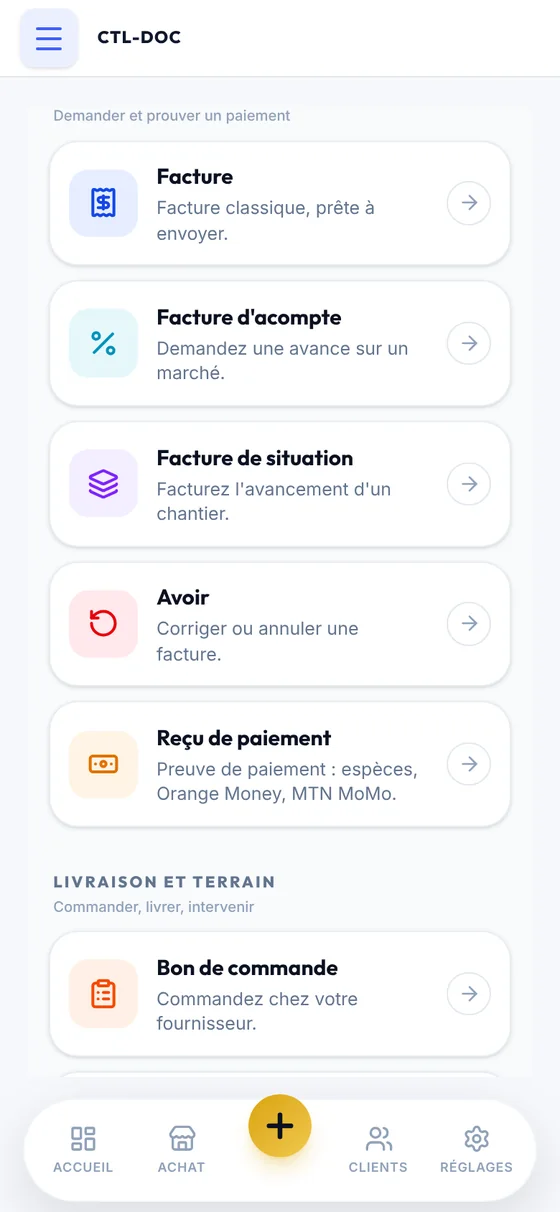
Your company, your colours, your currency: CTL-DOC adapts to your country (CFA franc, euro, dollar, dirham, naira and many more), numbers your documents automatically and keeps a full history. Documents are linked: a quotation becomes an invoice, an invoice becomes a receipt or a reminder letter.
Frequently asked questions
What must an invoice include?
Number, date, seller and client details, itemised lines, amounts before and after tax, and payment terms. Exact legal requirements depend on your country, so check with your tax office or accountant.
Is numbering automatic?
Yes. CTL-DOC assigns sequential numbers for each document type.
Can I create an invoice without an internet connection?
Yes. CTL-DOC installs as an app on Android and Windows PC and also works offline once installed.