Equipment issue note template with signed discharge
An issue note tracks equipment handed to a technician, lent to a client or sent to a site. The signed discharge prevents losses and disputes.
What does an equipment issue note contain?
- The recipient and the site or purpose
- The list of equipment with quantities
- The issue date and expected return date
- The condition of the equipment handed over
- Signatures of the manager and the recipient
How to create an equipment issue note with CTL-DOC
- Open CTL-DOC in your browser, or install the app on your phone or PC.
- Pick “Equipment issue note” from the list of documents.
- Fill in your company, the client and the content. To reuse data from another document, just select it: client, lines and amounts fill in automatically.
- Choose your colours, add your logo and stamp, then export a PDF or share it on WhatsApp.
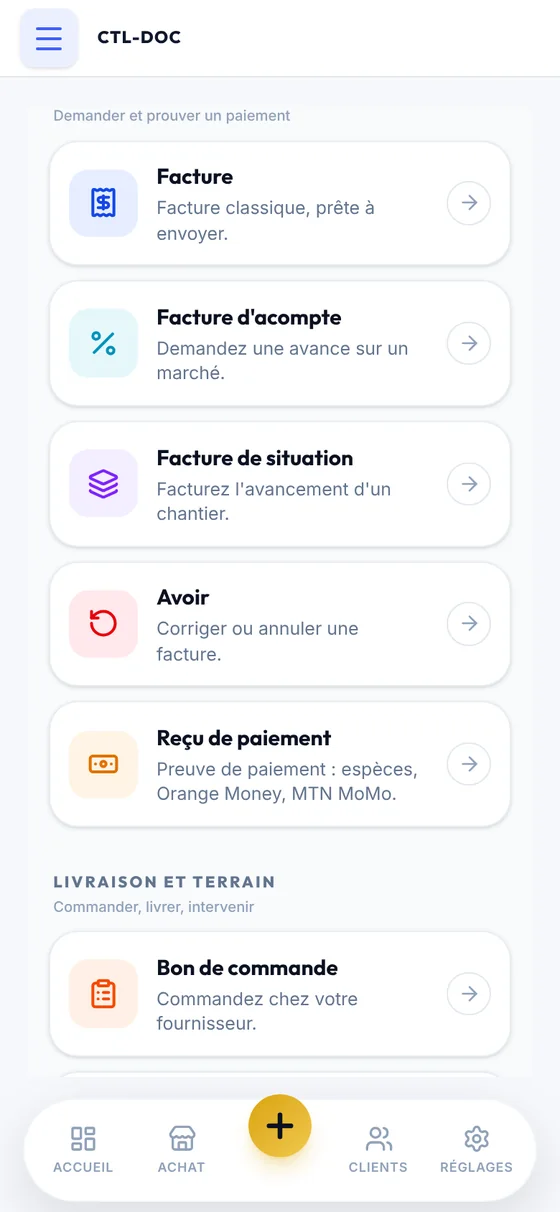
Your company, your colours, your currency: CTL-DOC adapts to your country (CFA franc, euro, dollar, dirham, naira and many more), numbers your documents automatically and keeps a full history. Documents are linked: a quotation becomes an invoice, an invoice becomes a receipt or a reminder letter.
Frequently asked questions
Why track equipment issues?
To know who holds what, find missing equipment and make teams accountable.
Can I track returns?
Yes. The status shows whether equipment is issued and then returned.
Can I create an equipment issue note without an internet connection?
Yes. CTL-DOC installs as an app on Android and Windows PC and also works offline once installed.