
Delivery note template signed by the client
A delivery note proves that goods or equipment were handed over. Signed by the client, it protects the seller in a dispute.
What does a delivery note contain?
- The title “Delivery note” and its number
- The client, delivery address and date
- The items with quantities ordered and delivered
- Any reservations (missing, damaged)
- Signatures of the deliverer and the receiver
How to create a delivery note with CTL-DOC
- Open CTL-DOC in your browser, or install the app on your phone or PC.
- Pick “Delivery note” from the list of documents.
- Fill in your company, the client and the content. To reuse data from another document, just select it: client, lines and amounts fill in automatically.
- Choose your colours, add your logo and stamp, then export a PDF or share it on WhatsApp.
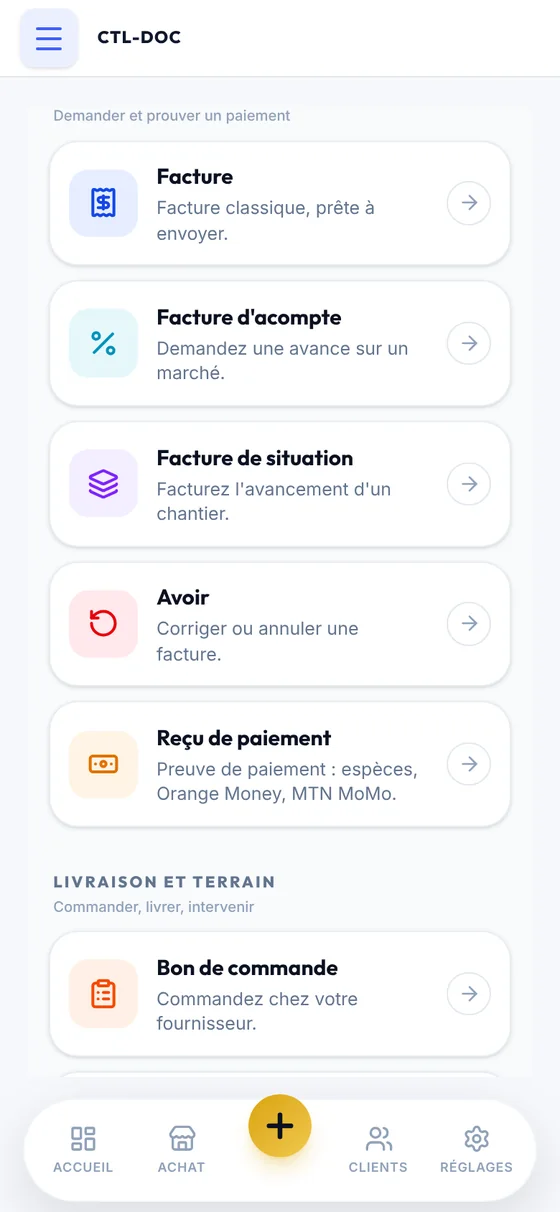
Your company, your colours, your currency: CTL-DOC adapts to your country (CFA franc, euro, dollar, dirham, naira and many more), numbers your documents automatically and keeps a full history. Documents are linked: a quotation becomes an invoice, an invoice becomes a receipt or a reminder letter.
Frequently asked questions
Does a delivery note show prices?
Usually not; it lists quantities. Prices appear on the invoice.
Can the client sign on a phone?
Yes. CTL-DOC lets you sign with a finger right on the screen.
Can I create a delivery note without an internet connection?
Yes. CTL-DOC installs as an app on Android and Windows PC and also works offline once installed.